Intro
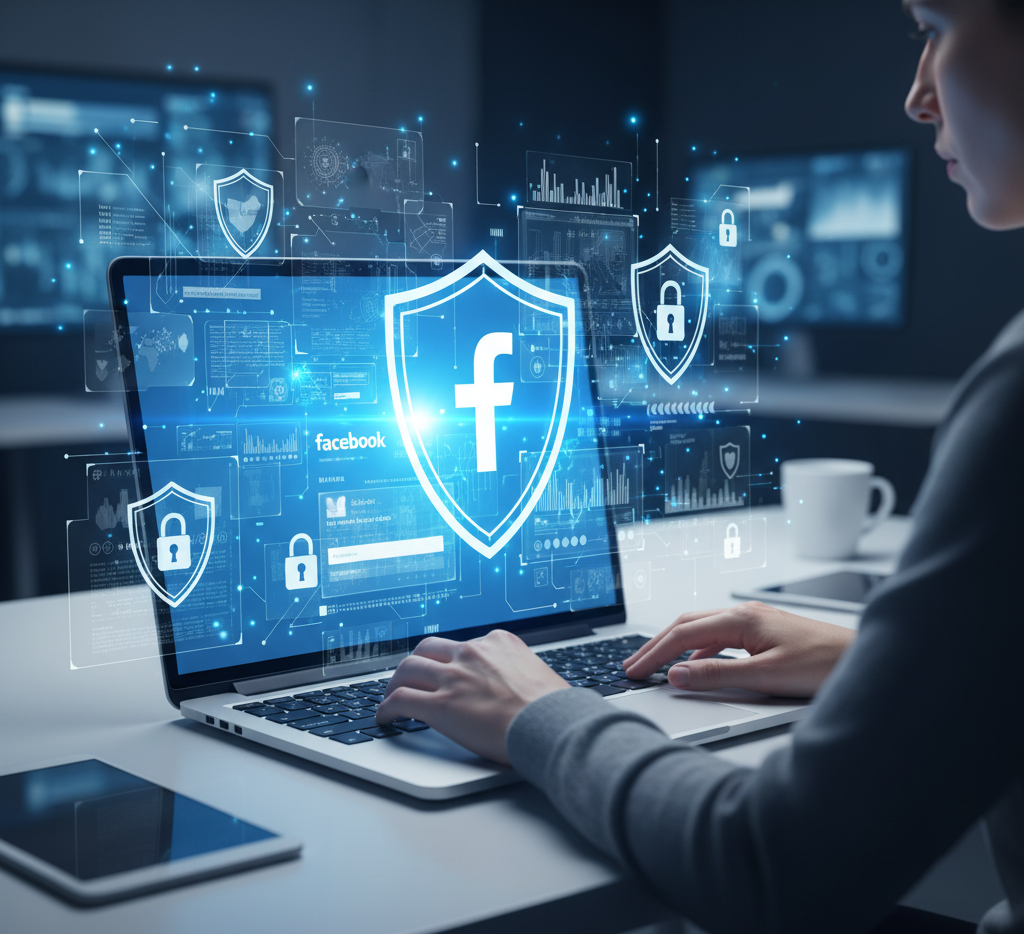
If you use Facebook for business, ads, or personal networking, your account’s safety should be your top priority in 2025. With millions of daily users and rising cyber threats, hackers constantly target accounts with weak protection. Fortunately, Facebook now offers new built-in tools to help you secure your data, prevent unauthorized access, and monitor suspicious activity in real time.
This complete guide will explain how Facebook’s new security system works — and how you can activate every feature to stay safe.
2️⃣ Activate Login Alerts
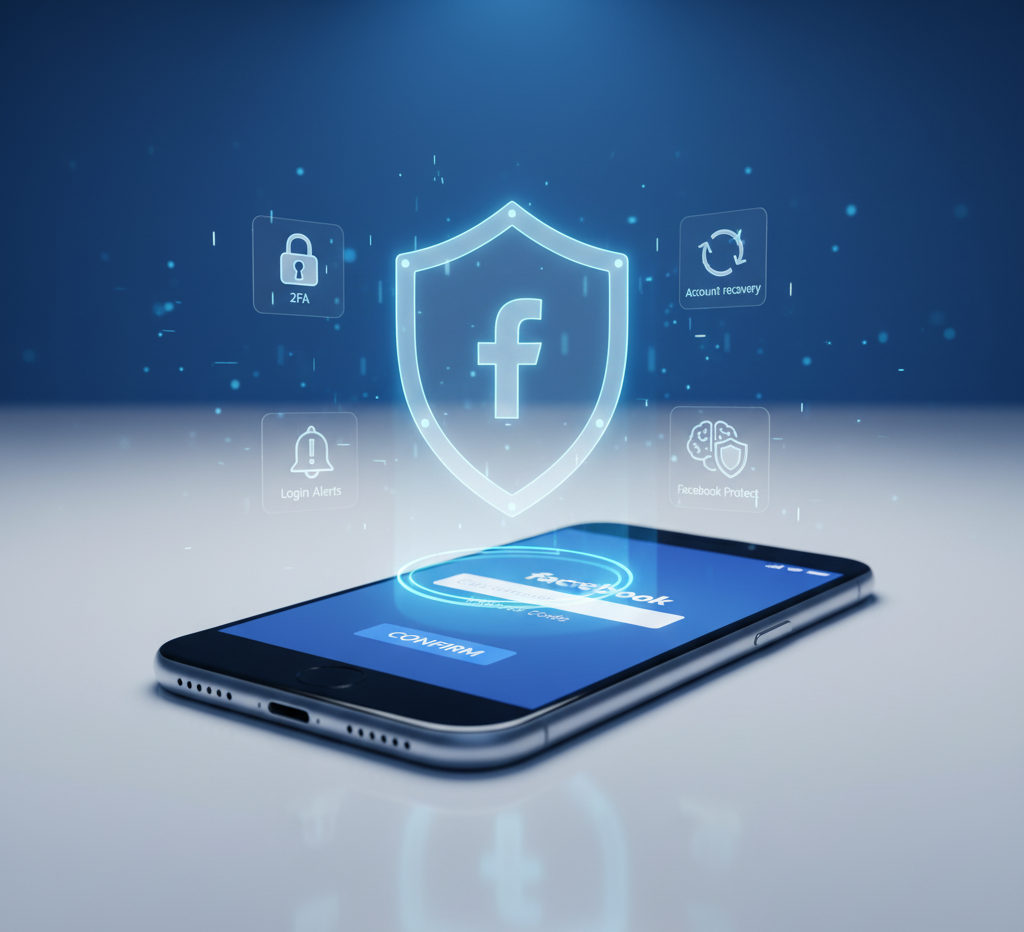
Facebook’s Login Alerts notify you instantly if your account is accessed from an unknown device or location.
Turn it on under Settings → Security → Login Alerts, and select both Email and Notification alerts.
This feature helps you respond quickly to potential hacking attempts.
3️⃣ Review Active Sessions
Did you know you can see every device currently logged into your Facebook?
Visit Settings → Security → Where You’re Logged In and review the list.
If you see any suspicious device, click Log Out next to it immediately. This action forces that session to close — keeping your account safe.
4️⃣ Use Facebook Protect (For Influencers & Page Admins)
Facebook Protect is designed for creators, advertisers, and people who manage large pages.
It provides stronger login monitoring, extra encryption, and daily security scans.
To activate it, go to Settings → Meta Protect and follow the verification steps.
It’s one of the most advanced security tools available in 2025.
5️⃣ Update Privacy Settings
Your privacy controls determine who can see your posts, stories, and contact details.
Review them under Settings → Privacy Checkup:
- Limit who can find you via phone number or email
- Restrict friend requests from unknown people
- Hide your activity status (“Active now”)
This minimizes data exposure and prevents phishing scams.
6️⃣ Avoid Fake Links and Pages
Hackers often use fake login pages that look identical to Facebook.
Before entering your password, always check the URL — it must be https://www.facebook.com/.
Also, avoid clicking links in random inbox messages, giveaways, or comment sections.
7️⃣ Secure Your Linked Apps and Games
Many users connect apps and games that request Facebook access.
Go to Settings → Apps and Websites and remove anything you don’t recognize.
Outdated or fake apps can collect your data or post spam on your behalf.
8️⃣ Use Strong Passwords
Use a password that combines uppercase, lowercase, numbers, and symbols — at least 12 characters long.
Avoid names, birthdates, or simple words.
If you have multiple accounts, use a password manager like Bitwarden or 1Password to stay organized securely.
9️⃣ Enable Profile Lock (Optional Feature)
For users in regions where privacy is critical, Facebook offers Profile Lock.
When turned on, only your friends can see your full-size profile photo, posts, and stories.
It’s perfect for protecting your identity from strangers.
10️⃣ Regularly Check Facebook’s Security Center
Facebook has a new Security Center (2025 update) that shows your protection score.
It guides you step-by-step to improve weak areas.
Access it via:
👉 https://www.facebook.com/security
🧠 Pro Security Tips
✅ Always enable 2FA for both Facebook and connected apps (Instagram, WhatsApp).
✅ Don’t reuse passwords on multiple platforms.
✅ Set up a trusted contact for account recovery.
✅ Update your phone and browser to the latest version for security patches.
❓ FAQs
Q1. How can I recover a hacked Facebook account?
Go to facebook.com/hacked, follow the recovery steps, and change your password immediately.
Q2. Does Facebook notify you about login attempts?
Yes — through Login Alerts and Security Center updates.
Q3. What is Facebook Protect?
It’s an advanced security program designed for creators and page managers to prevent hacking and data theft.
Q4. Is 2FA enough for Facebook safety?
Yes, 2FA blocks 95% of hacking attempts — but combine it with alerts and password managers for full protection.
🏁 Conclusion
acebook’s 2025 security tools make it easier than ever to protect your data. By enabling 2FA, monitoring logins, and staying alert against fake links, you can stop hackers before they strike.
Take 5 minutes today to review your settings — your account’s safety and reputation depend on it.
💡 Stay tuned to our blog for more daily tech, finance, and social media security updates.
About the Author